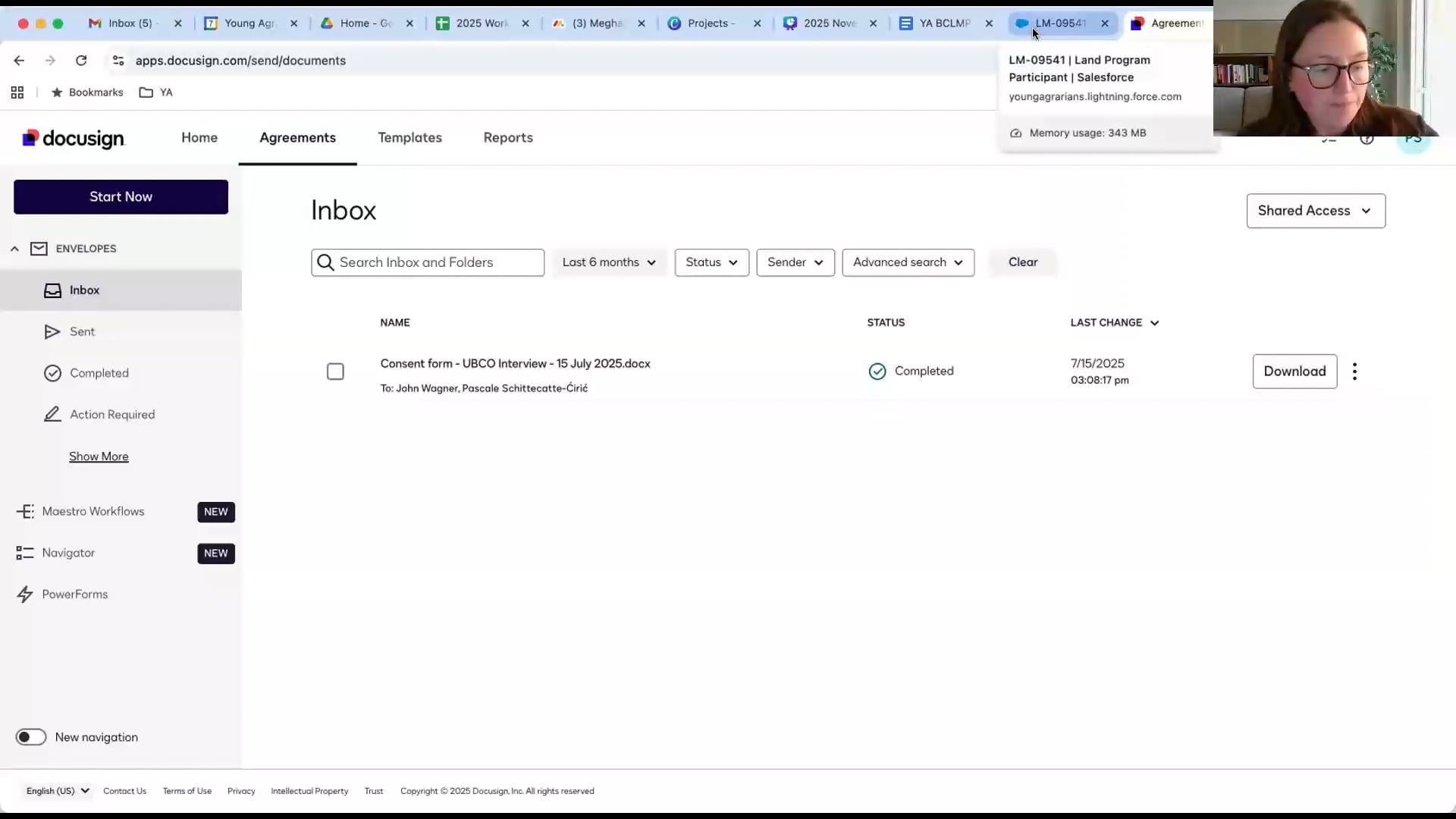
Step 2.1: Registering Participants
Registering Participants Overview
In this topic, you’ll learn about the objectives and process of registering participants.

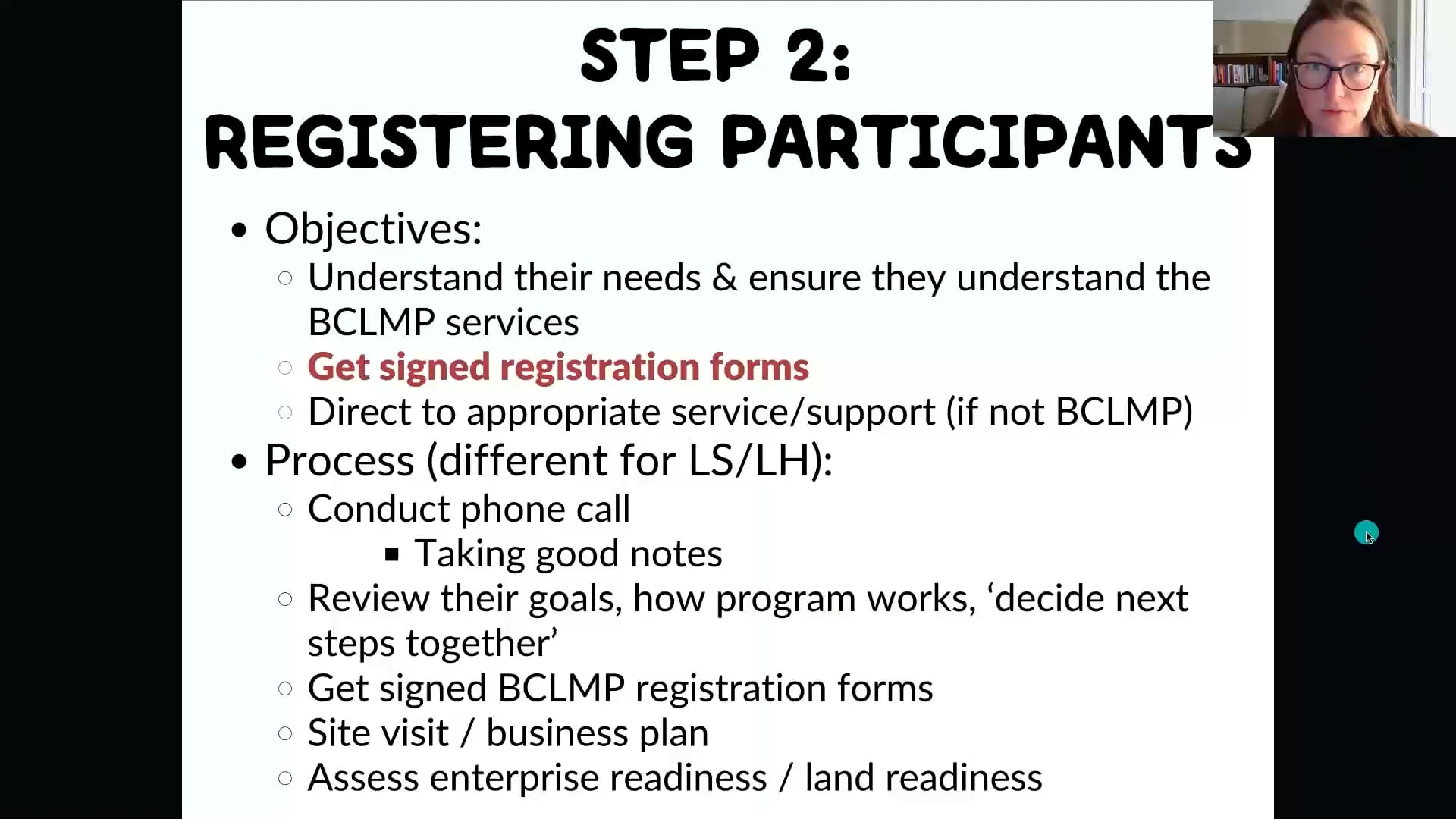
Booking a phone call
This video talks about booking a phone call to learn more about land holders/seekers and using Google Calendar to help you stay organized. If you’re not familiar with Google invite, check out this video.
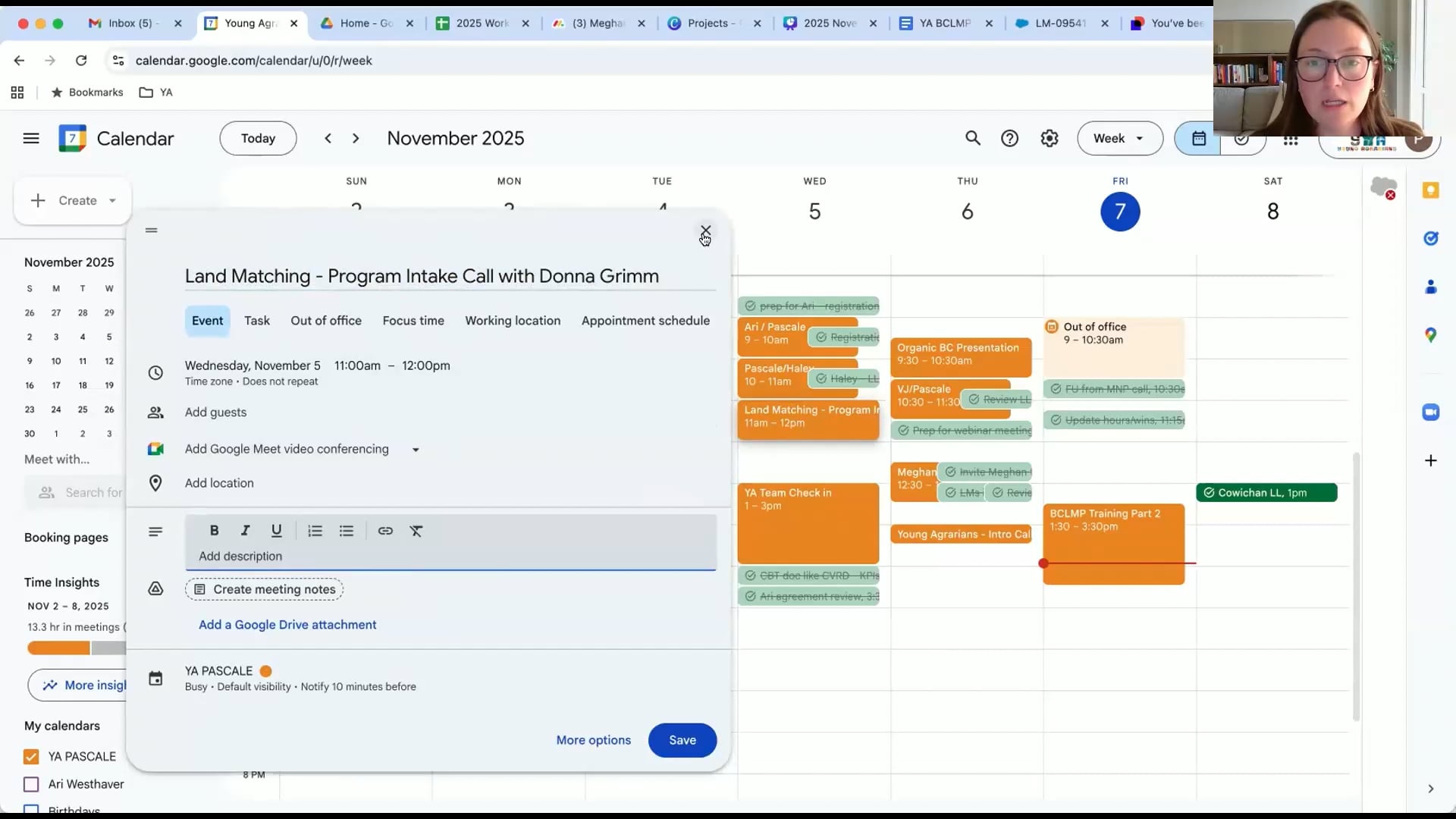
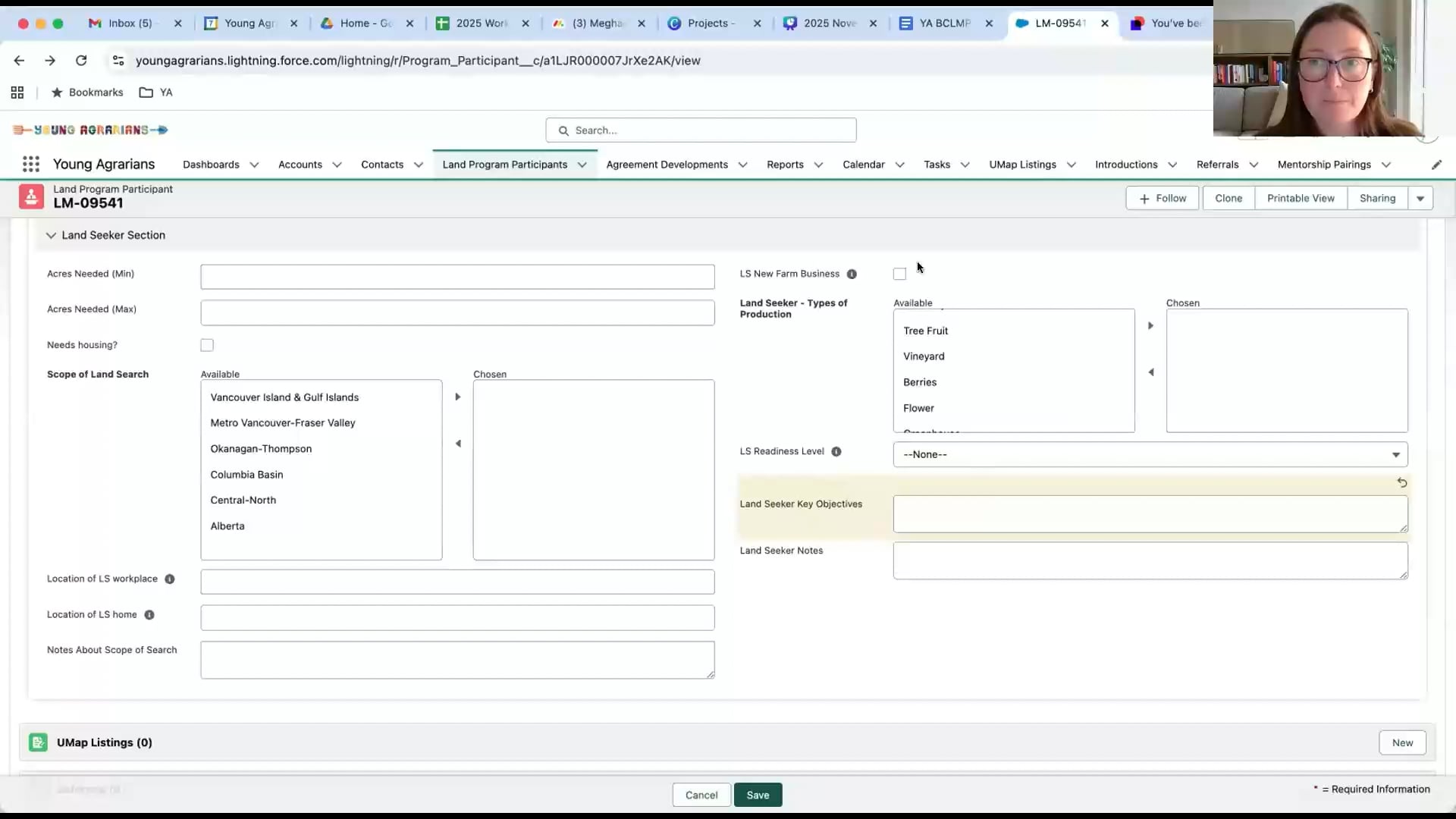
Record the phone call on Salesforce and Matching Process SOP
During/after the phone call, you’ll take notes and record them on Salesforce. You’ll need to make sure that the record follow the protocol in the matching process SOP.
Here’s an example record of a land program participant in Salesforce: https://youngagrarians.lightning.force.com/lightning/r/Program_Participant__c/a1LAm000000AA0PMAW/view
Click here to access the Matching Process SOP. If you haven’t done so, install the Salesforce extension on Chrome from here and follow this video (from timestamp 5:10 to 5:39) to sync your Gmail and Salesforce.
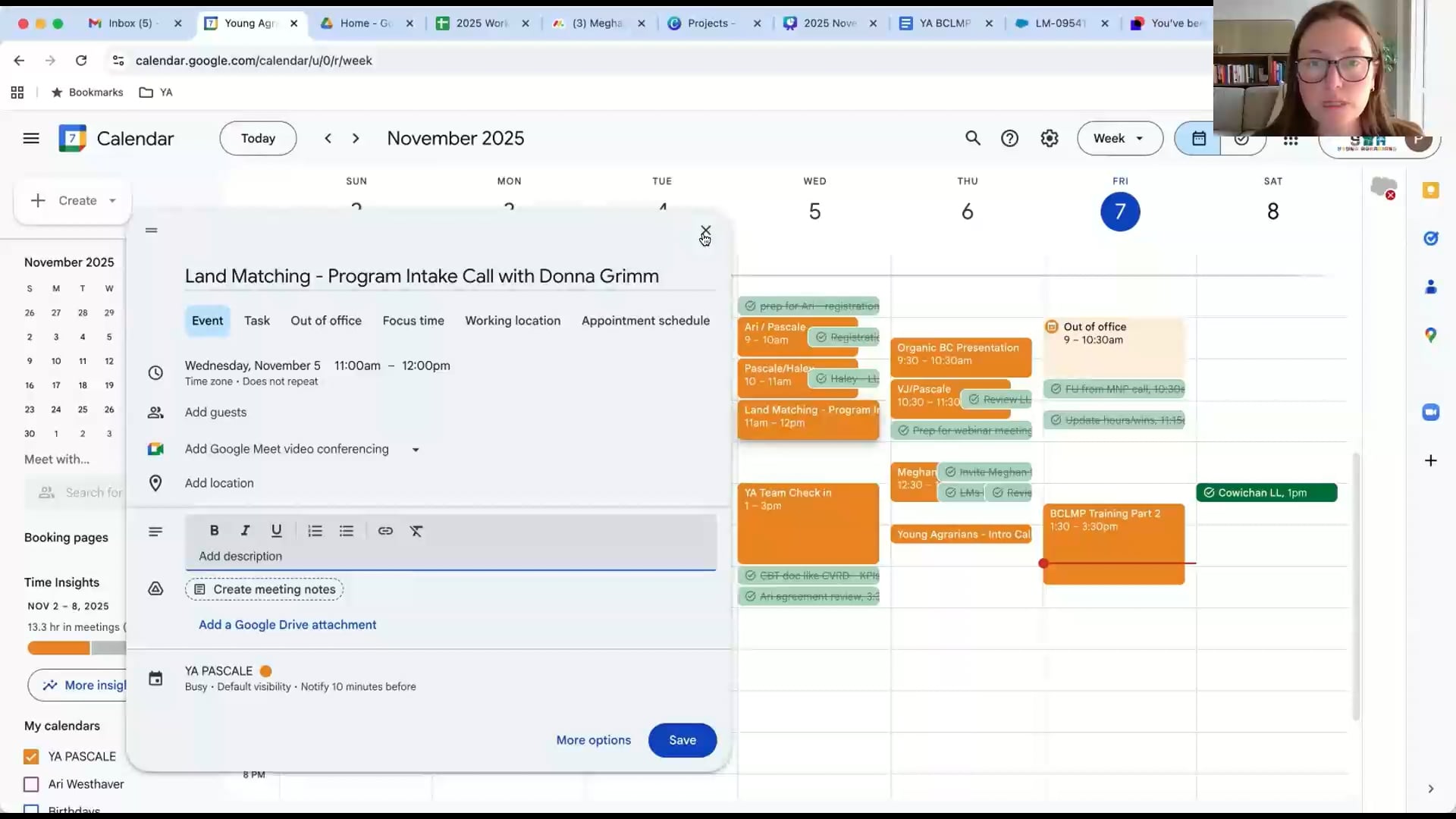
BCLMP registration form management on Docusign
After the phone call, you’ll email the land holder/seeker the registration form using Docusign. To learn more, check out the Docusign SOP here.
Next steps
Now, you’re done with the first part of Step 2! Check out this video to find out what’s next.