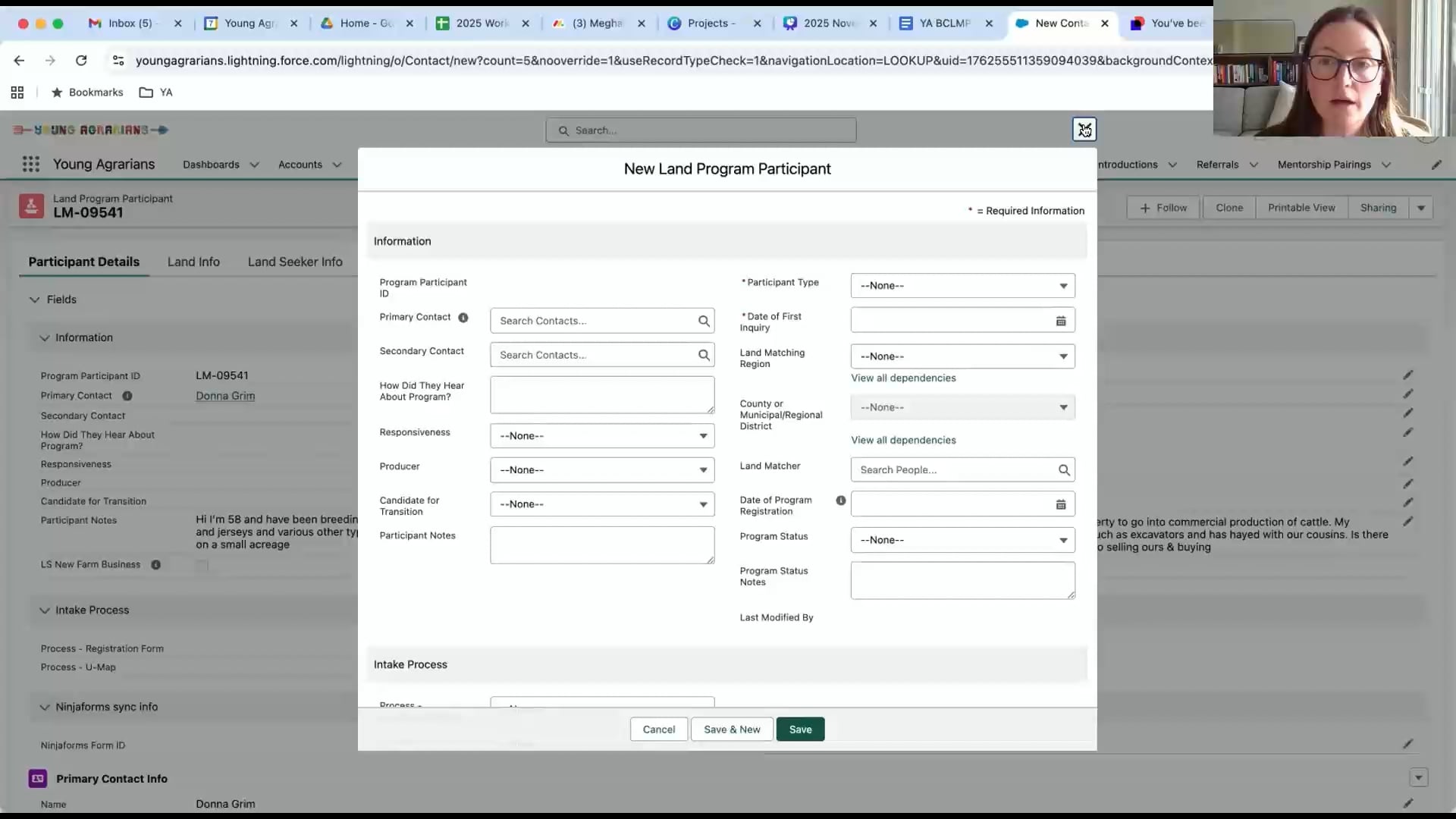
Step 1: Fielding BCLMP Inquiries
Fielding Program Inquiries Overview
In this video, we’ll talk about the objectives and process of fielding program inquiries.

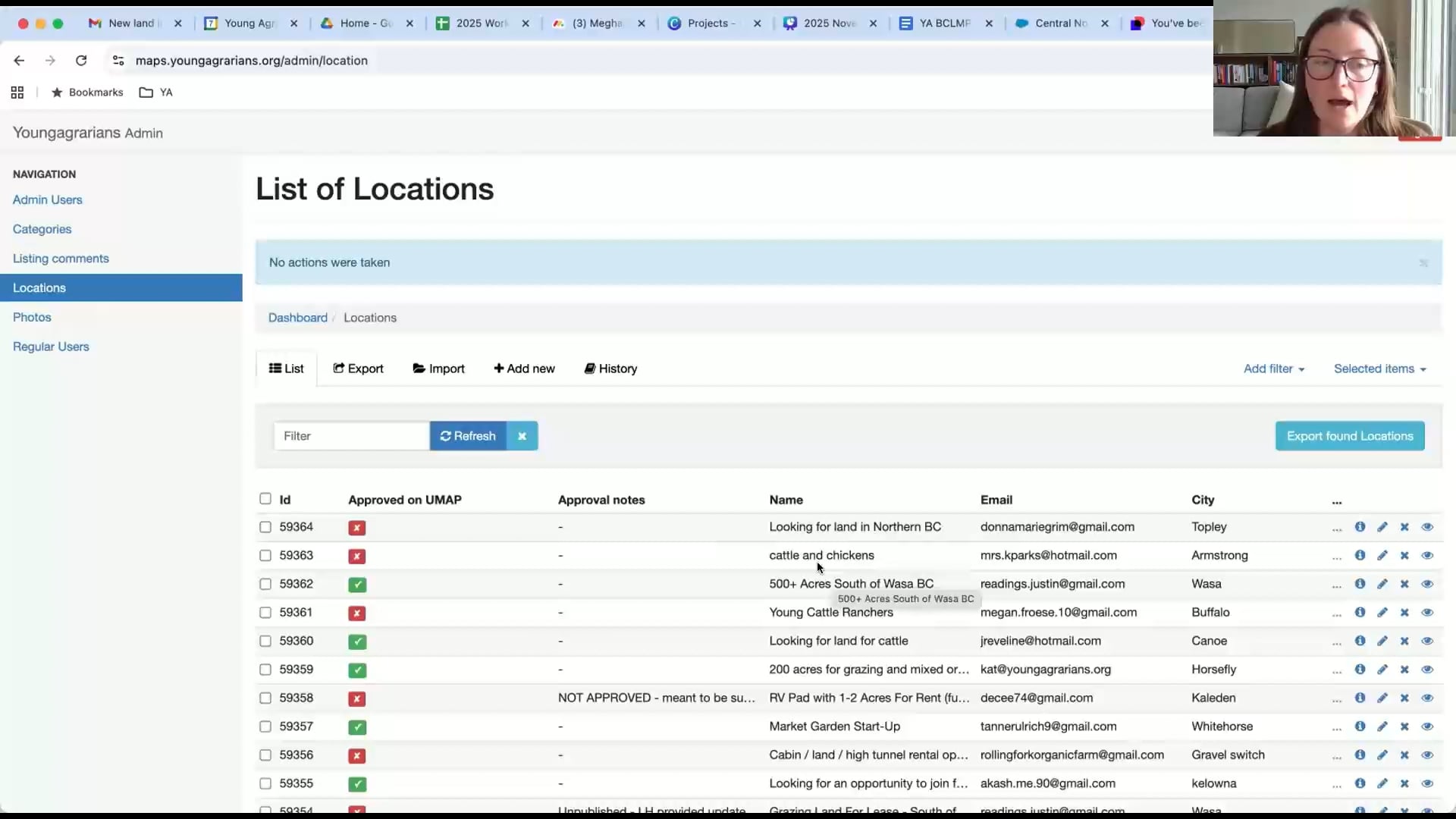
U-Map
U-Map is one way for land seekers to reach out to you. This video explains how that works.
Check out U-Map and the U-Map form to learn more.

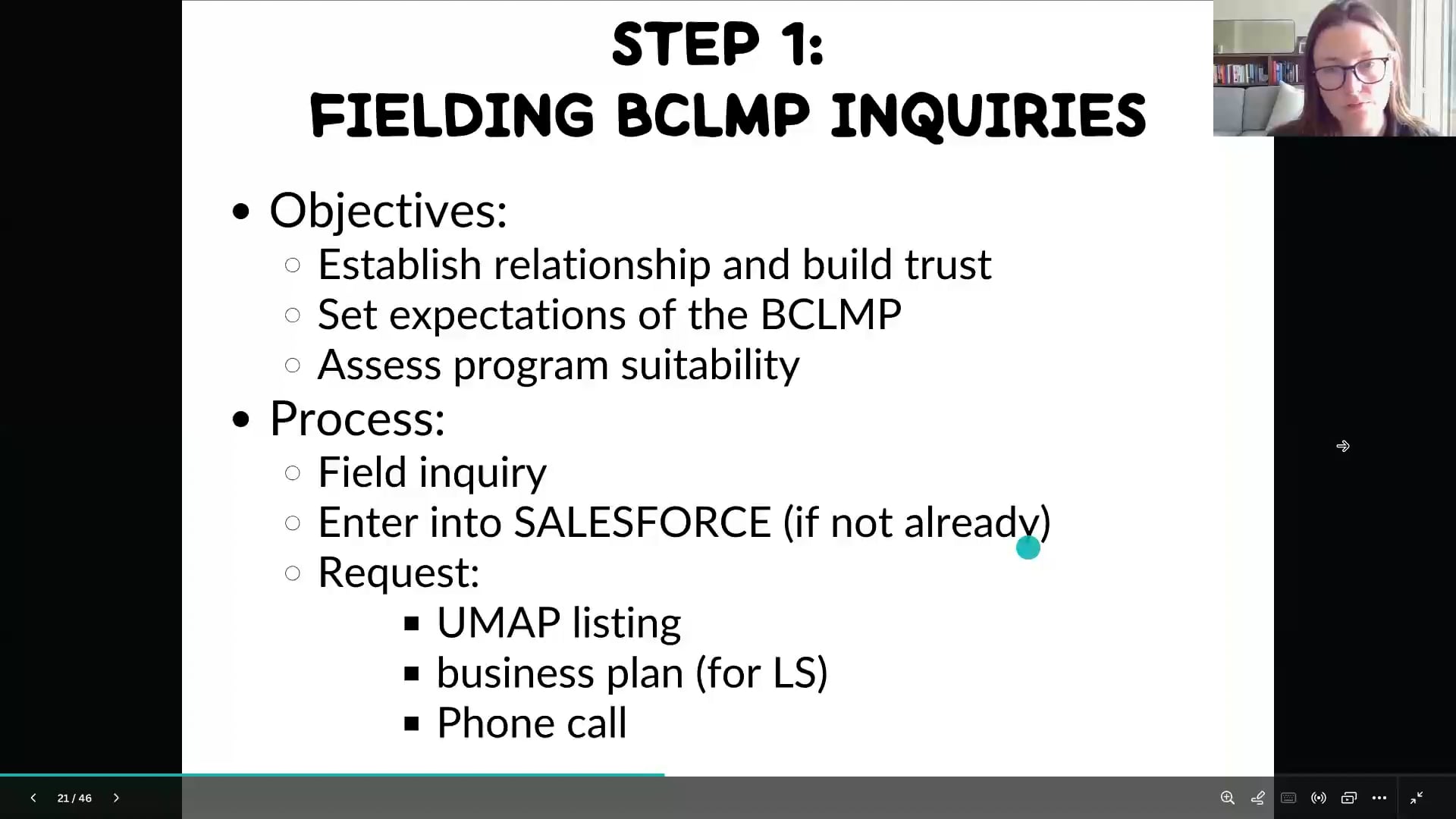
U-Map management (Site Administration)
Now you’ve learned what U-Map looks like in the front end. We’re going to see how we work at the back end.
To learn more, check out the U-Map SOP and the U-Map admin site. (Note: You’ll need an admin account to access the admin site. Check in with Taina if you haven’t got one yet)
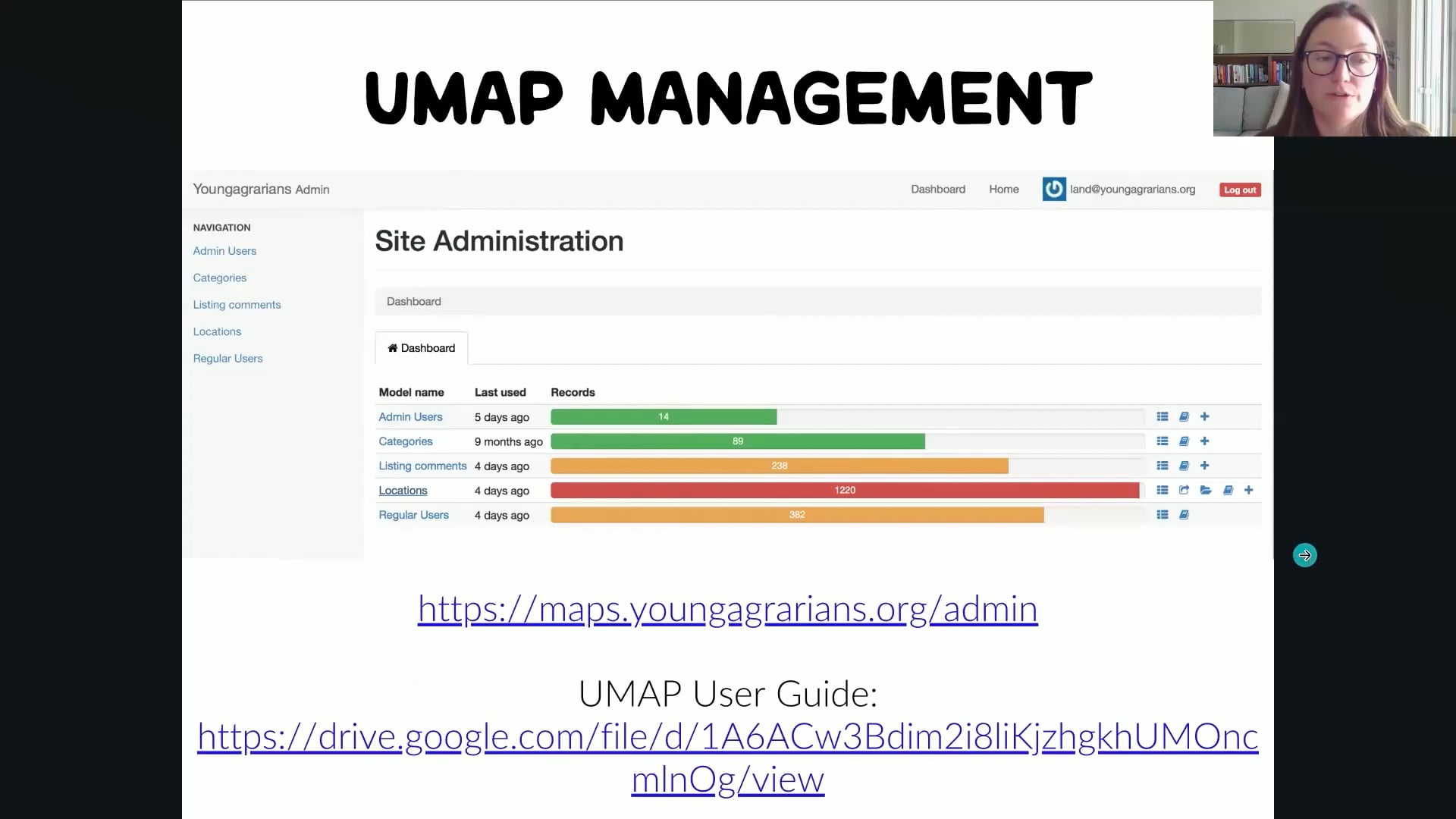
Relevant data on SF
After you receive an inquiry, you’ll need to check if their contact is already on Salesforce or not. Then you’ll crosscheck the correctness of the data on Salesforce VS what you got from the inquiry.
How to respond to people
Before responding to people who submitted the inquiry, check out the Matching Process SOP and copy the email template from there to your Gmail. Make sure you update the information in the email before sending it.